
THE WEB PORTAL
A guide for every role.
A practical guide to the web portal. Choose your role to explore the dashboard and its main features, with real screenshots.
Screens show fictional demo data. Portal labels may be in English; available actions depend on your account.
Administrator
Manage students, staff and the organisation’s overview.
Read the guide →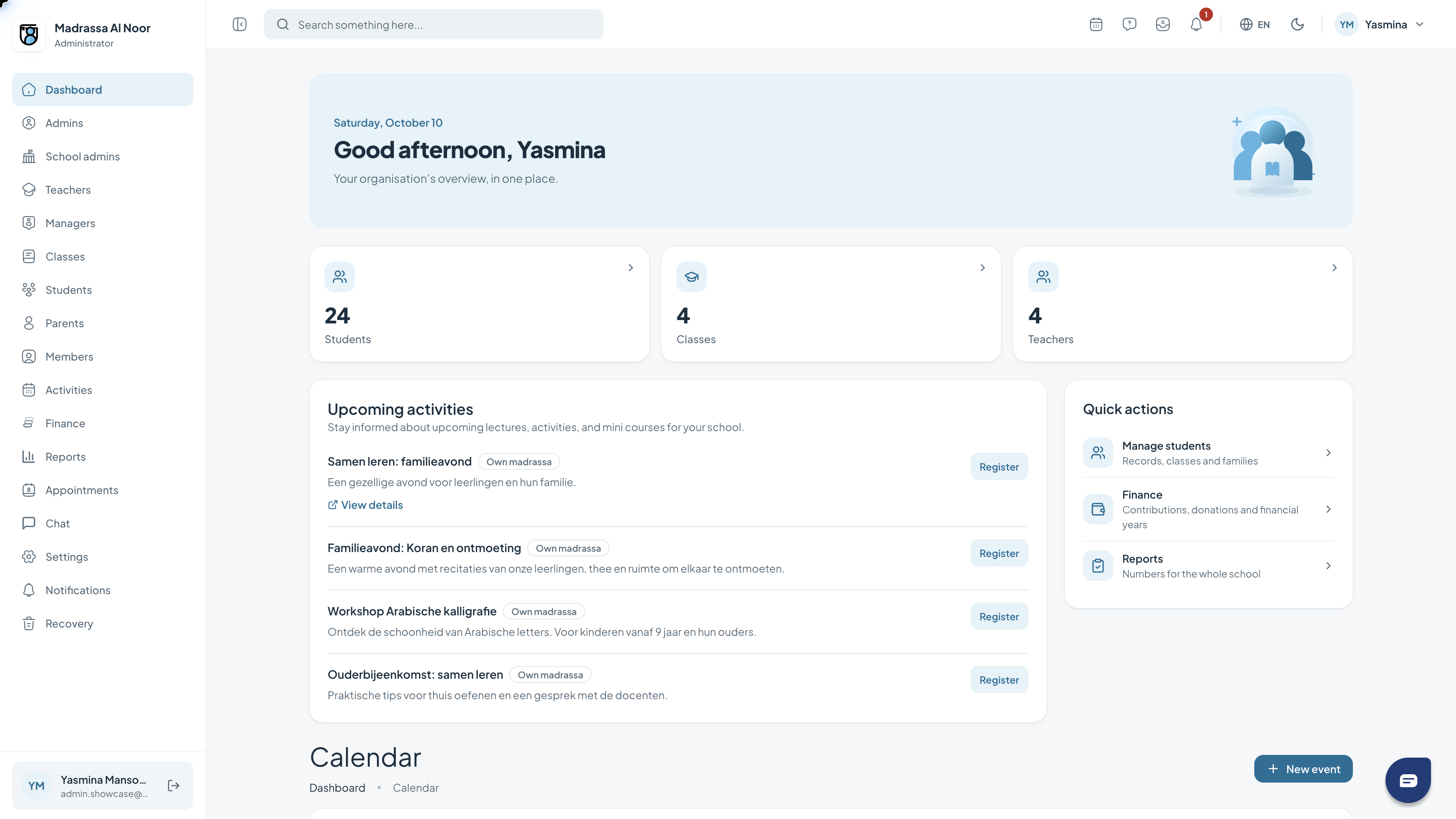 02
02School administrator
Keep track of daily school administration, classes and reports.
Read the guide →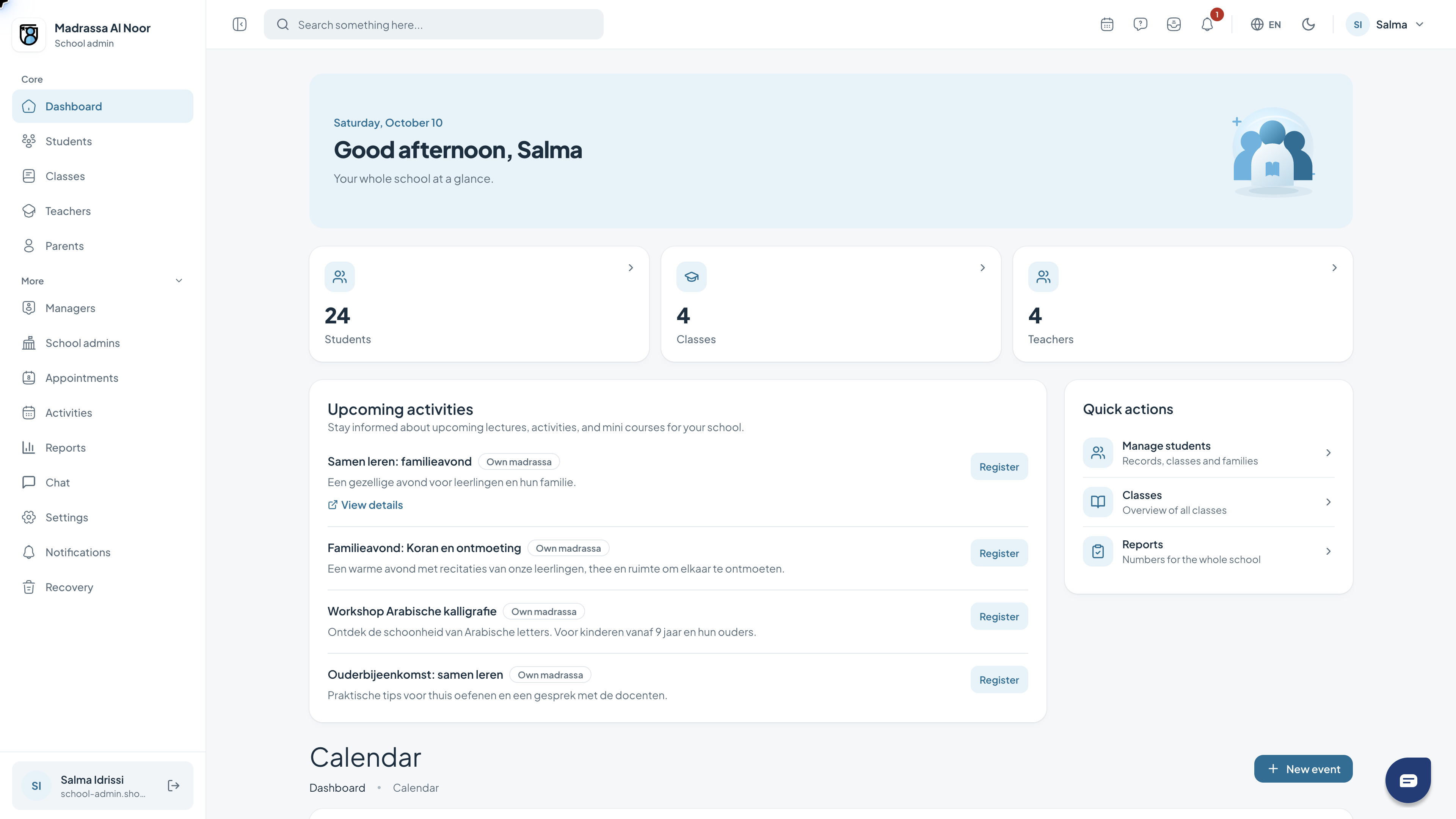 03
03Teacher
Open your classes, record attendance and follow Quran progress.
Read the guide →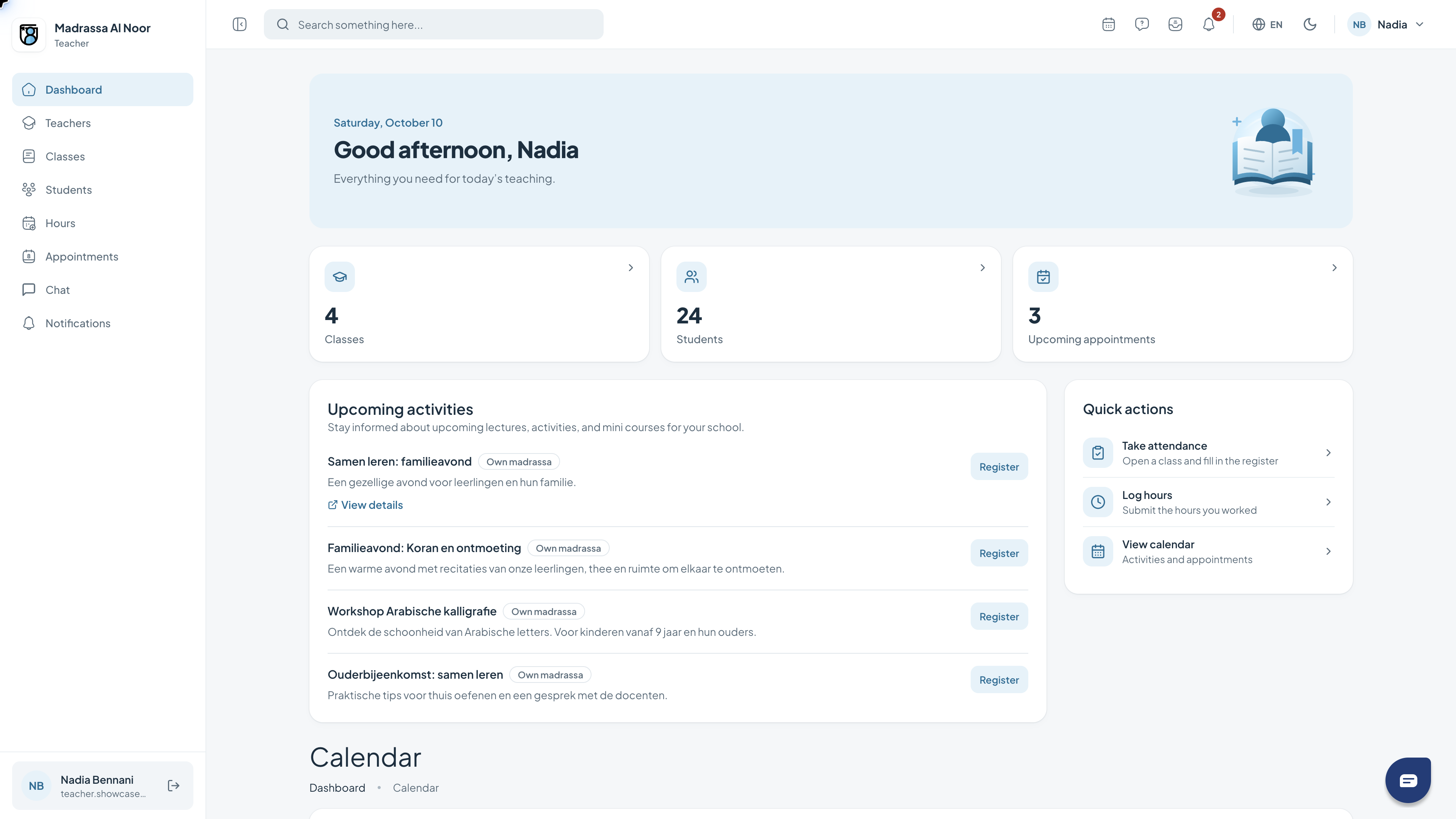 04
04Manager
Review your team’s classes and plan around the school calendar.
Read the guide →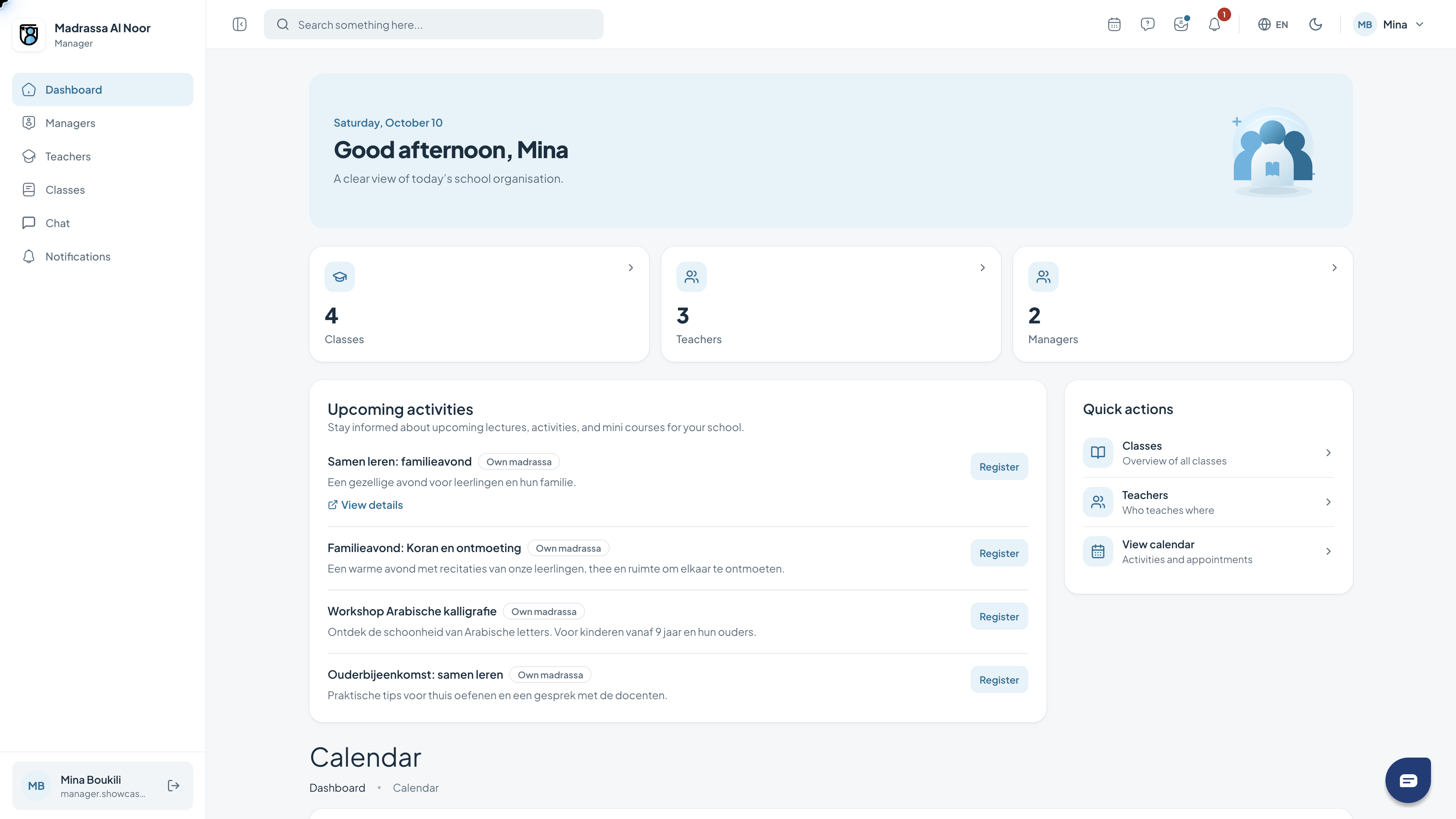 05
05Parent
Follow your children and see what to practise together at home.
Read the guide →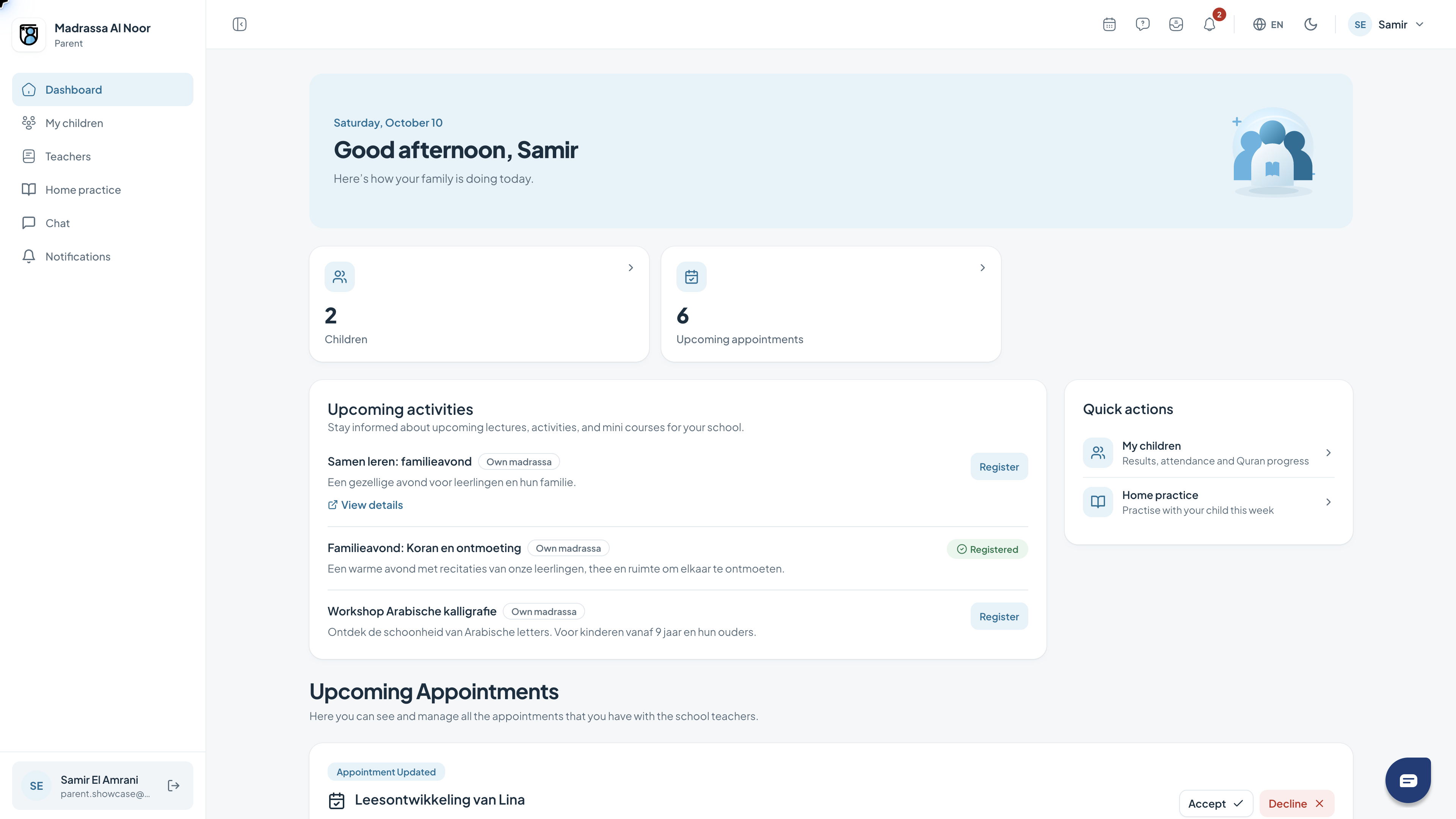 06
06Student
Find your homework, weekly goals and Arabic words in one place.
Read the guide →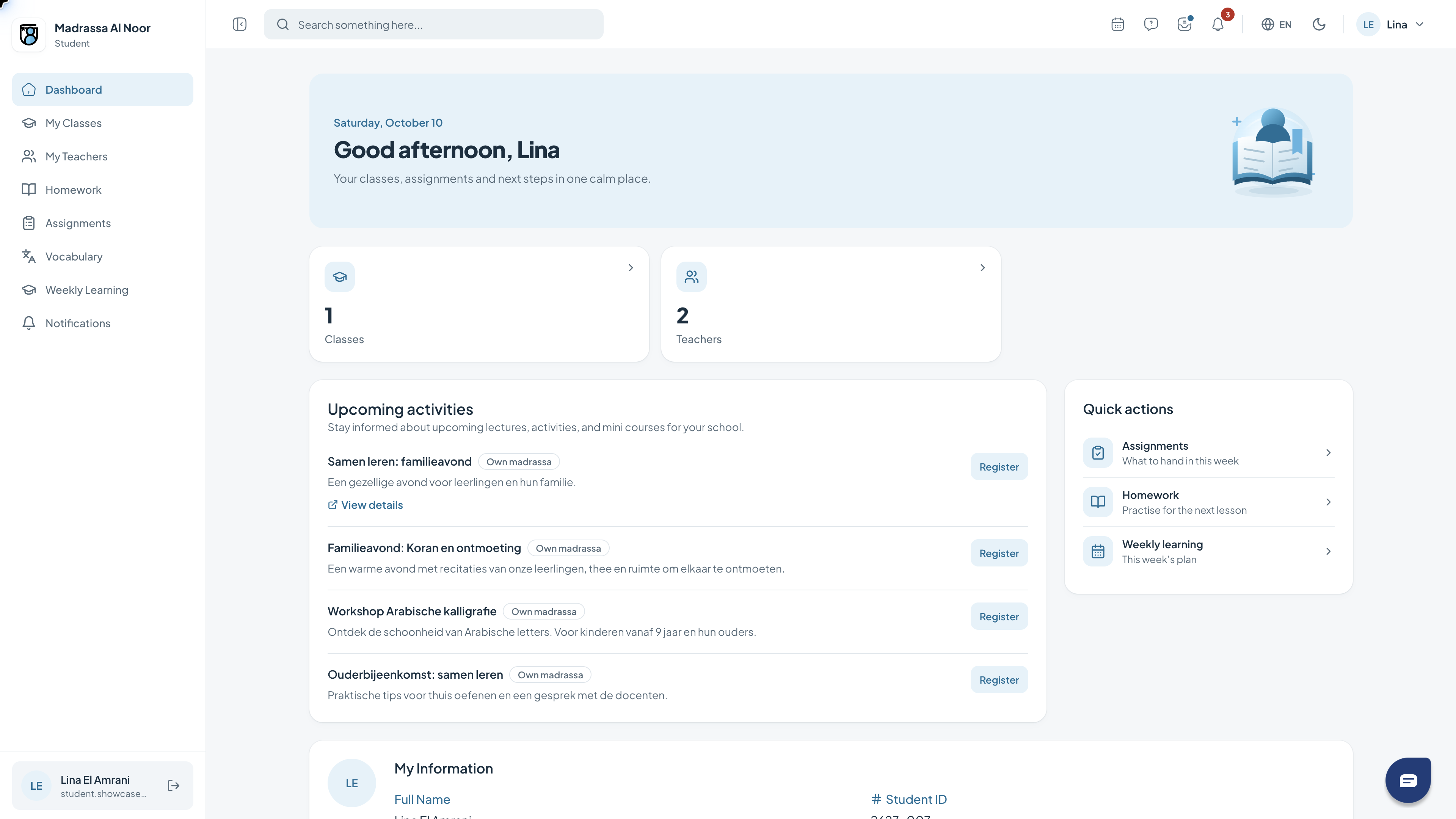 07
07Member
Stay informed about activities and school announcements.
Read the guide →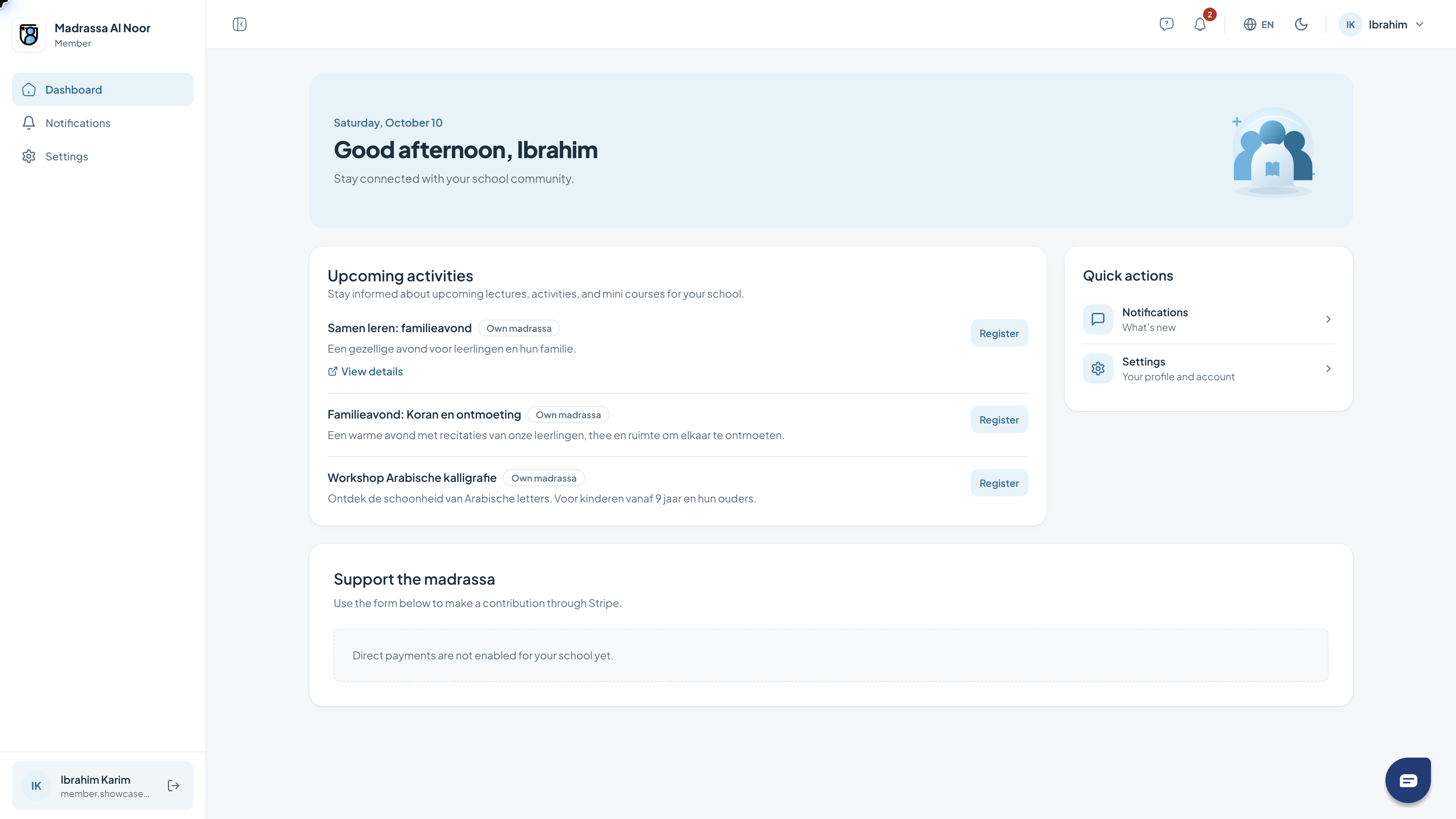
Need a hand?
If a feature is missing, check your role with the school administrator. For help with access or using the portal, contact support.
Get support