
Every part of a madrassa, in one app.
MadrassaHub is made up of modules you switch on or off per school. Below is what each one does, in plain language.
Teaching
Everything a teacher needs to teach, from the register to the report.
Classes and subjects
Students, subjects and the weekly timetable per class. A student can be in several classes.
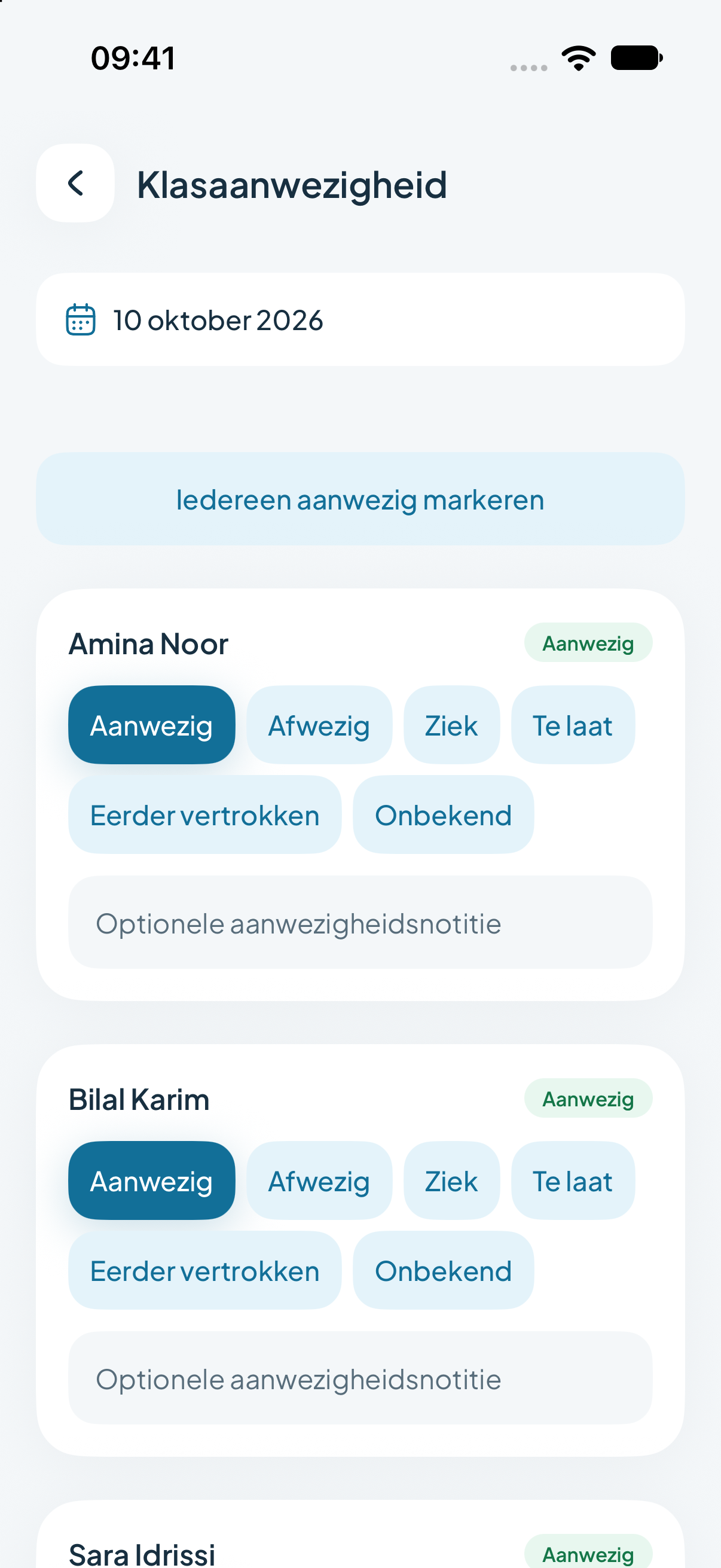
Attendance
Present, absent, late or left early, per lesson. With an overview per student and per class.
Assignments
Create assignments with questions, collect submissions and mark them. Reuse them from the assignment library.
Homework
Practice for home, with a clear weekly plan for students and families.
Tests and levels
Results per subject and per semester, visible to the student and their parents.
Tasks for parents
Ask parents to do or sign something at home, and see who has completed it.
Certificates
Generate a PDF certificate each semester once all required marks are in.
Export
Take class data out of the app whenever you need it elsewhere.
Quran, hifz and Arabic
Subjects you won’t find in general school software. Here they are the starting point.
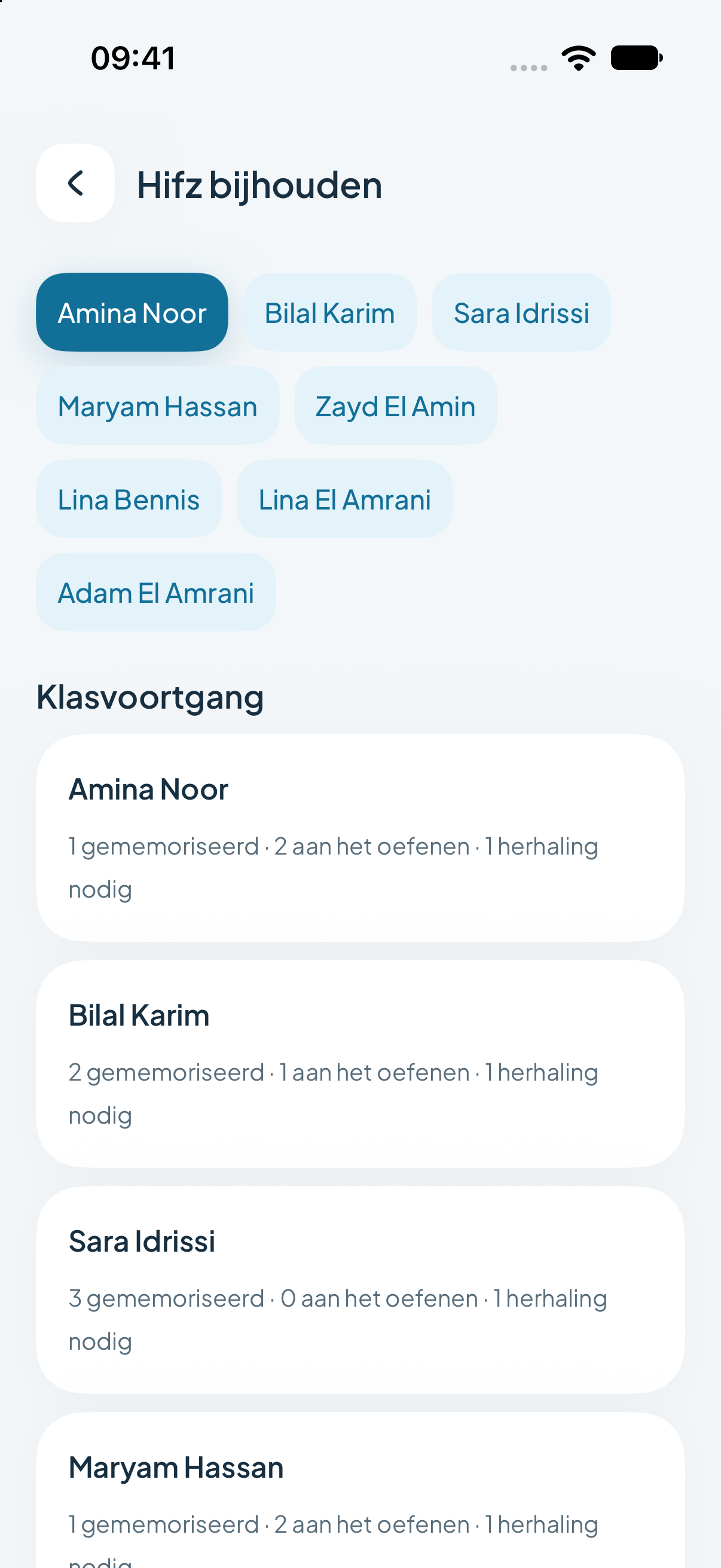
Progress per surah
All 114 surahs per student, marked memorised, practising or needs review.
Hifz log
Record which ayat were recited in each lesson, with a short note from the teacher.
Vocabulary
Arabic word lists with translation and transliteration, published per subject.
Learning goals and weekly plans
Plan what the class will learn each week and record when a goal is reached.
Communication
One channel between school and home, without private numbers or group chats.
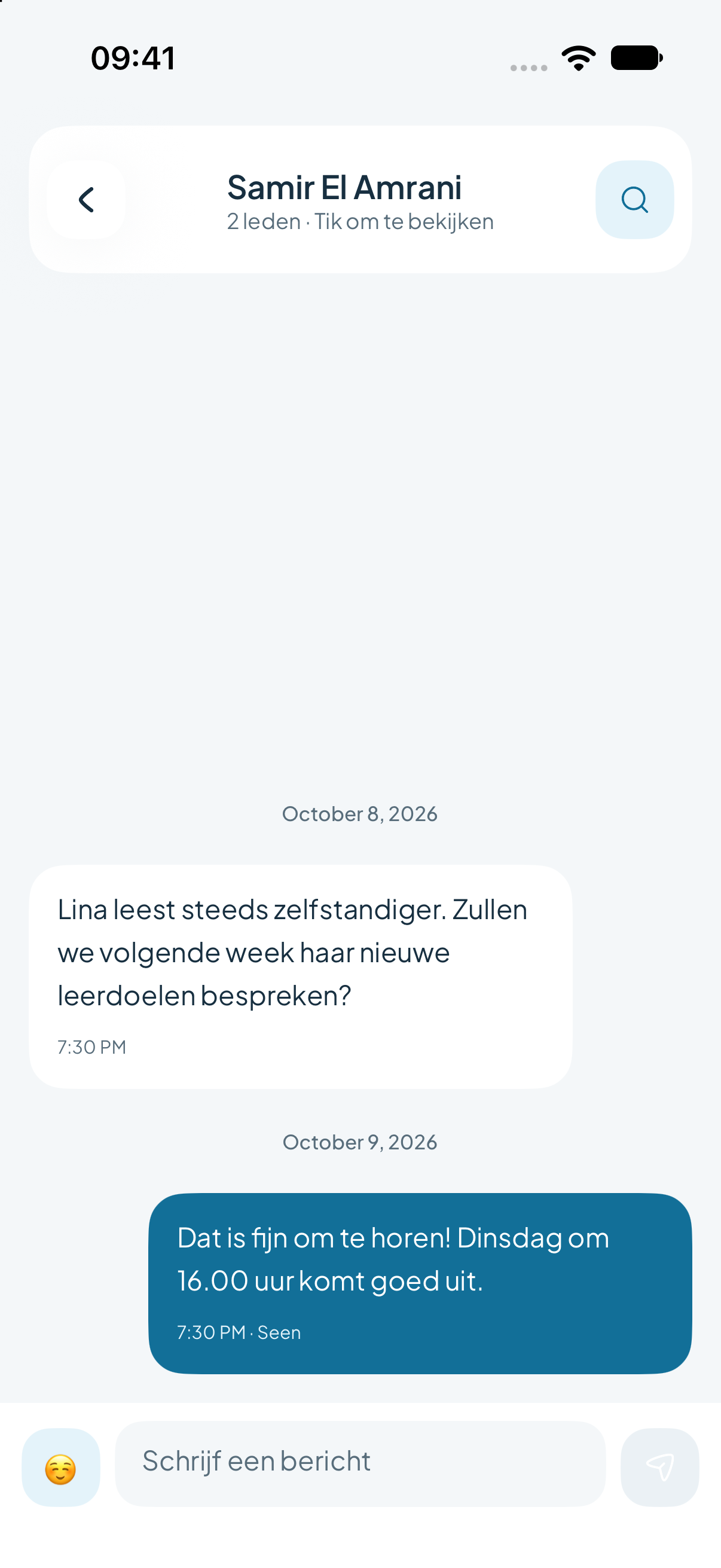
Messages
Conversations between teachers, parents and staff, inside the school’s own environment.
Calendar
School events, days off and appointments in a month or timeline view.
Activities
Announce activities such as a family evening, with the option to take attendance.
Appointments
Schedule parent meetings and other appointments, with an overview of what still needs planning.
Notifications
A notification when there’s something new, so nobody has to check the app all day.
Several languages
The web platform works in Dutch, English, French and Arabic. The mobile app is currently in Dutch.
Administration
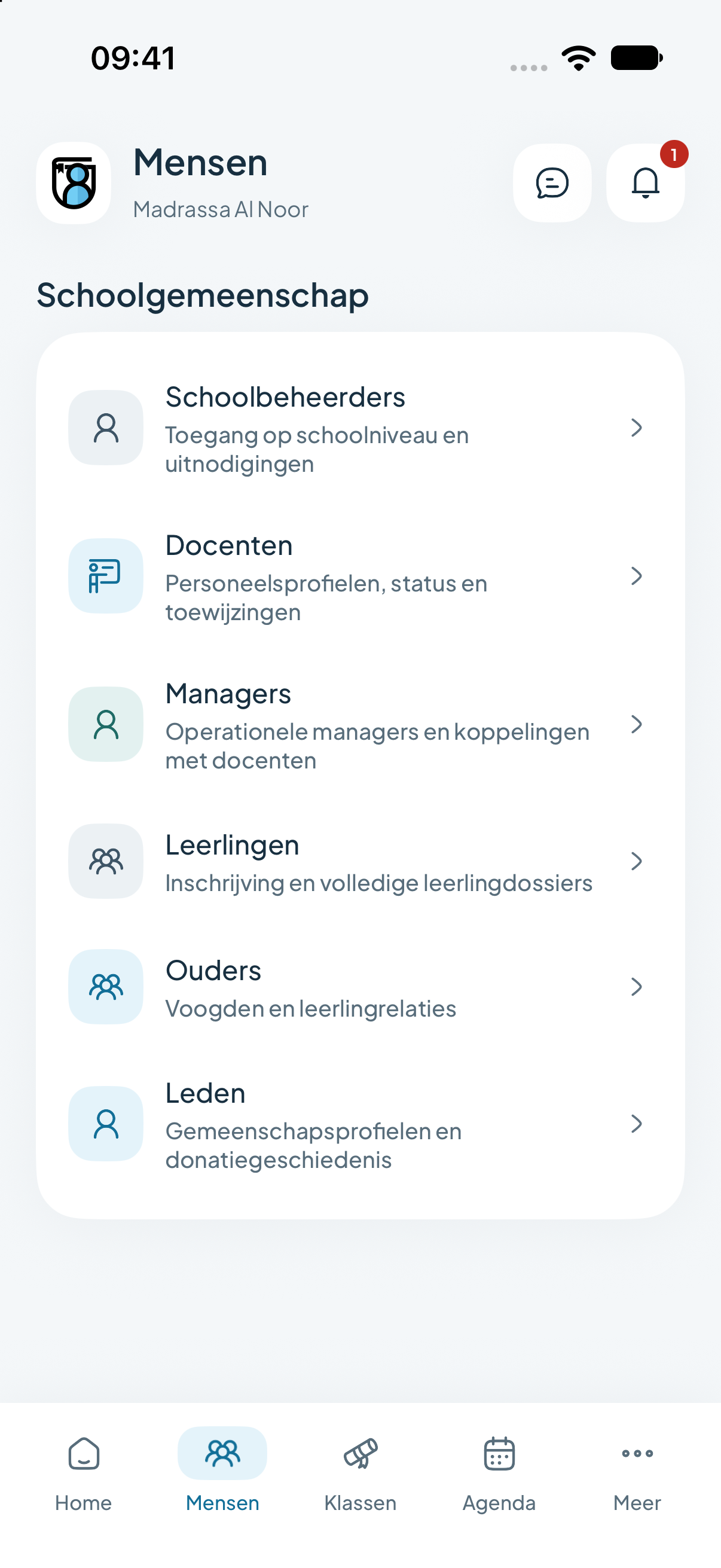
The basics in order: who belongs to the school, in which role, and with what access.
Students and families
A record per student, linked to parents. Brothers and sisters belong to the same family.
Enrolment page and waiting list
Your own page where families apply. Review applications and place them on the waiting list.
Import
Bring over existing lists of classes, families, teachers and members instead of retyping them.
Staff and roles
Invite teachers, coordinators and admins. Each role only sees what belongs to that role.
Timesheets
Teachers submit their hours, coordinators review them.
Modules per school
Only switch on the modules you use. The rest stays out of sight.
Finance
From each family’s school contribution to the annual figures for the board.
Contributions and payment periods
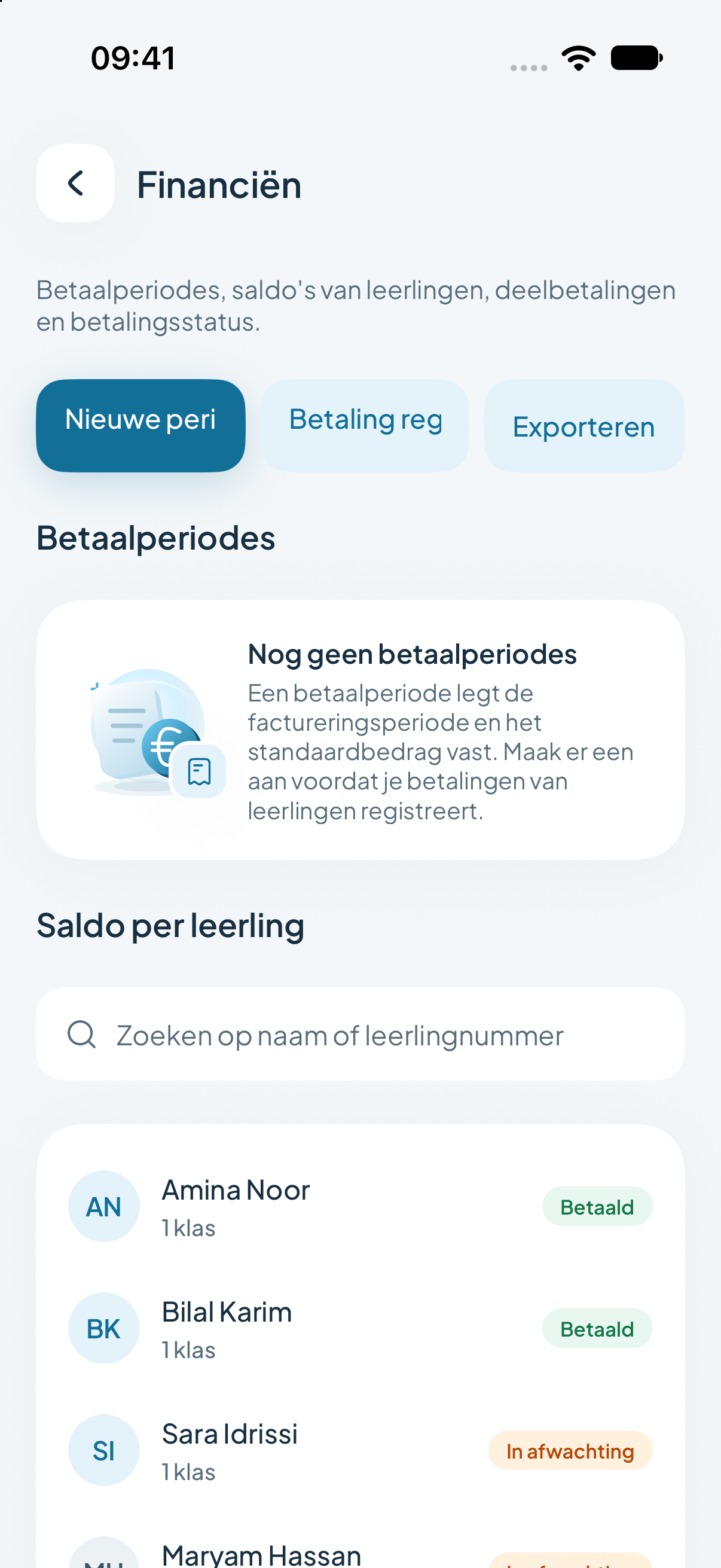
Set an amount per period and see per student what has been paid and what is outstanding.
Online payments
If the school switches it on, parents pay their outstanding contribution directly in the app.
Donations and campaigns
Campaigns with a target, projects and gifts from the community.
Bookkeeping
Financial years, bank accounts, cash registers and categories. Bank rules recognise recurring transactions.
Reports
The numbers the board and school leadership want, without asking anyone to keep track of them.
Overview
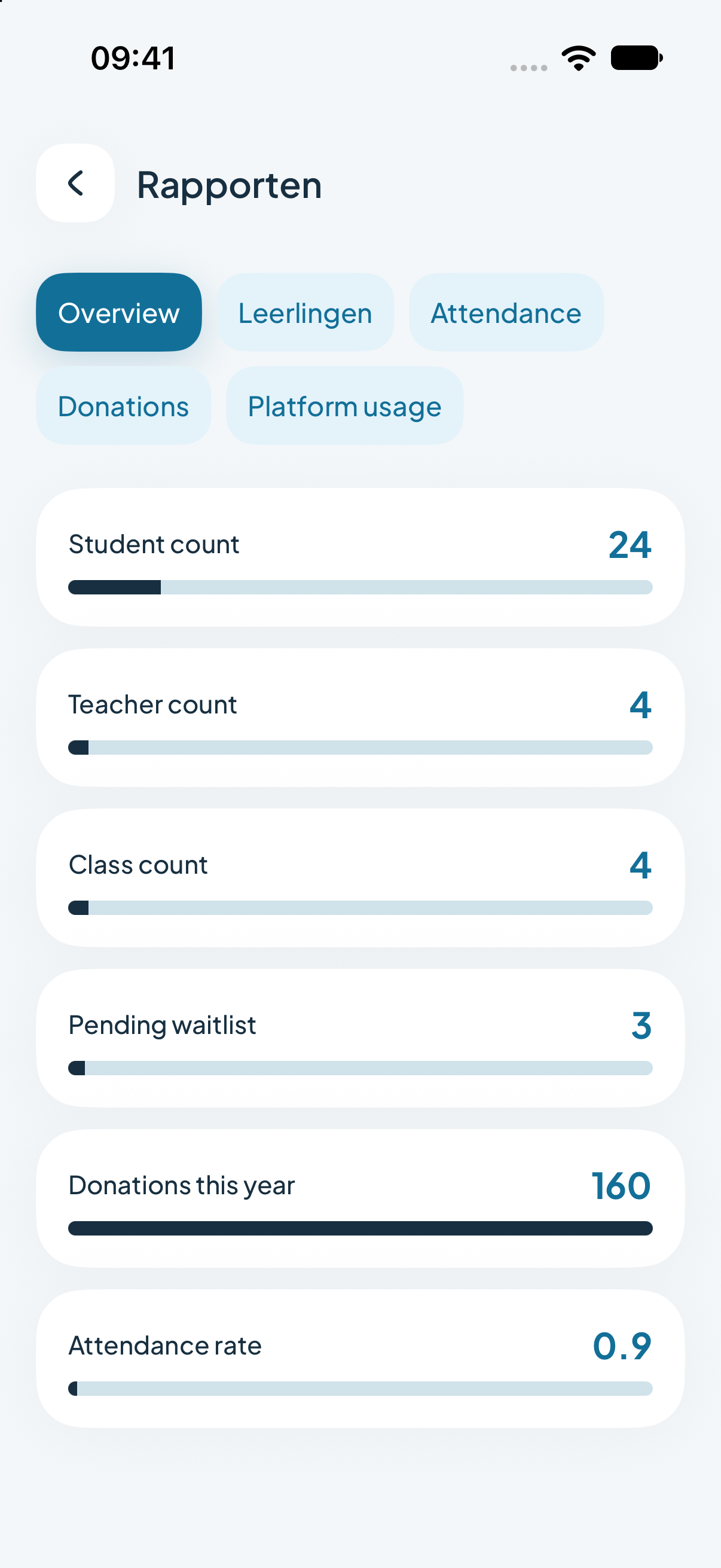
Numbers of students, teachers and classes, and how many applications are waiting.
Attendance
Attendance across the whole school, per class and per student.
Donations
What came in this year, and for which campaigns.
Usage
See how actively teachers, parents and students use the app.
Want to see how it fits together?
In a demo we show the app with a sample school, and look together at which modules suit you.